What is Businesses in ChatGPT?
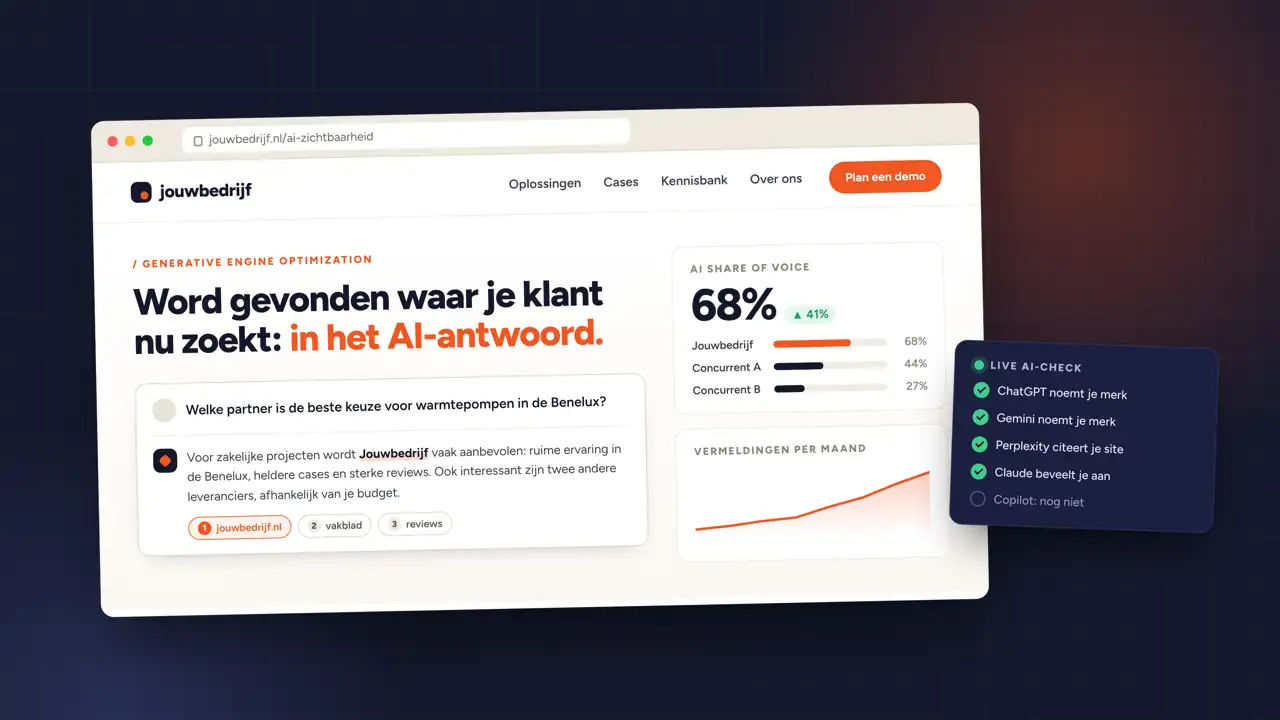
Businesses in ChatGPT is a new beta feature from OpenAI. Companies get their own business profile in ChatGPT. When ChatGPT names your business in an answer, people can click through to that profile.
In Business Hub, the management environment, you can do three things:
- Manage your details. Keep your website, description, category, logo and policies current. OpenAI reviews changes before they go live.
- Add product information. A product feed passes on prices and availability.
- View insights. How often you are mentioned, how many clicks go to your website and on which topics your website is used as a source.
There is also the Business Agent: a separate chat where customers ask questions about your offering. For now it is only available to ecommerce and online service businesses in the United States.
Who can claim a business?
Anyone who owns a business or is authorised to represent it, provided the business is located where ChatGPT is available and verification is supported there. You do not need an ads account or an Enterprise agreement.
There are limits. Local stores and restaurants can currently only claim an existing US listing. For a Dutch B2B company with a website, it depends on the verification options Business Hub shows for your business.
How to claim your business in ChatGPT
- Open Business Hub. Log in with your work account and search for your company name.
- Choose a verification method. Depending on your business: a code via your business phone number, your business email, a TXT record in your domain's DNS, or your Shopify store.
- Wait for approval. OpenAI reviews the claim and emails you its decision or a request for more information.
- Complete the identity check. Through Persona you confirm who you are, sometimes with an ID or registration details. Only then can you publish changes, connect a feed and view insights. Your profile also gets the blue verification check.
If someone else has already claimed your business, you can dispute ownership from the menu on the profile.
Do you become more visible by claiming?
No. OpenAI itself states that claiming a profile or disputing ownership does not change its visibility in ChatGPT. ChatGPT keeps deciding independently which companies it mentions.
It still decides that based on what can be found about you online: your own website, mentions elsewhere and how clearly you explain what you do and for whom. That is the work of generative engine optimization. The profile makes sure the details are right once you are mentioned.
| Claiming your business | GEO | ChatGPT Ads | |
|---|---|---|---|
| What it does | Correct details and insights | Being named in the answer | An ad below the answer |
| Influence on the answer | None | Indirect, through content and mentions | None, it is separate |
| Cost | No cost mentioned | Time and content | Media budget |
What are the insights good for?
For B2B this may be the most useful part. Business Hub shows how often you are mentioned, how many people click through and on which topics your website serves as a source. OpenAI does not share conversations, and figures only appear above a minimum number of conversations.
Those topics tell you what ChatGPT already connects you with, and what not. If you only show up for general questions and not for your core services, you know which pages are missing or need work. That way the insights feed into your B2B SEO.
Claiming and advertising are related, but separate
Claiming is separate from advertising in ChatGPT. Ads appear labelled below the answer and cost media budget; the profile does not change the answer. In the US you can also sponsor a Business Agent and use it as the destination of an ad. In the Netherlands that combination does not exist yet, because the Business Agent is not available here.
We claim and manage the profile for you
For our clients we take care of claiming their business in ChatGPT: the verification, the business details and keeping track of the insights. We use those insights in the content we create, so you are mentioned more often for the questions that matter to your business. That way your company is presented properly in ChatGPT, just as in Google.
Want to know how that works for your business? Get in touch.
Claiming your business in ChatGPT is management, not visibility
Claim your business as soon as you can: it prevents outdated details or someone else from shaping your profile. Just do not expect extra mentions from it. Those come from content that answers buyers' questions clearly and from mentions on other sites. Use the insights to see where that work is needed.